Upload your photo.
Choose a JPG, PNG or WebP photo up to 10 MB from your phone or computer. Download your result when it is ready so you have your own copy.
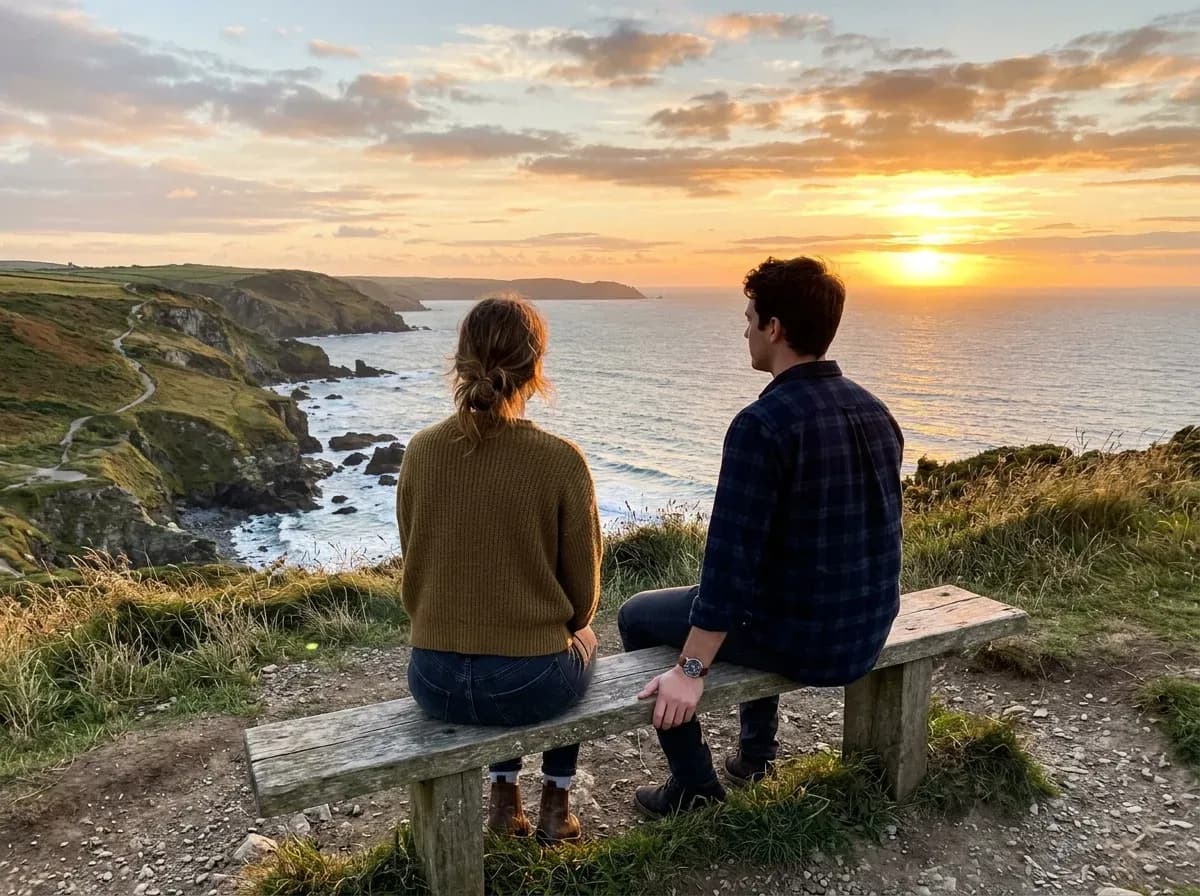
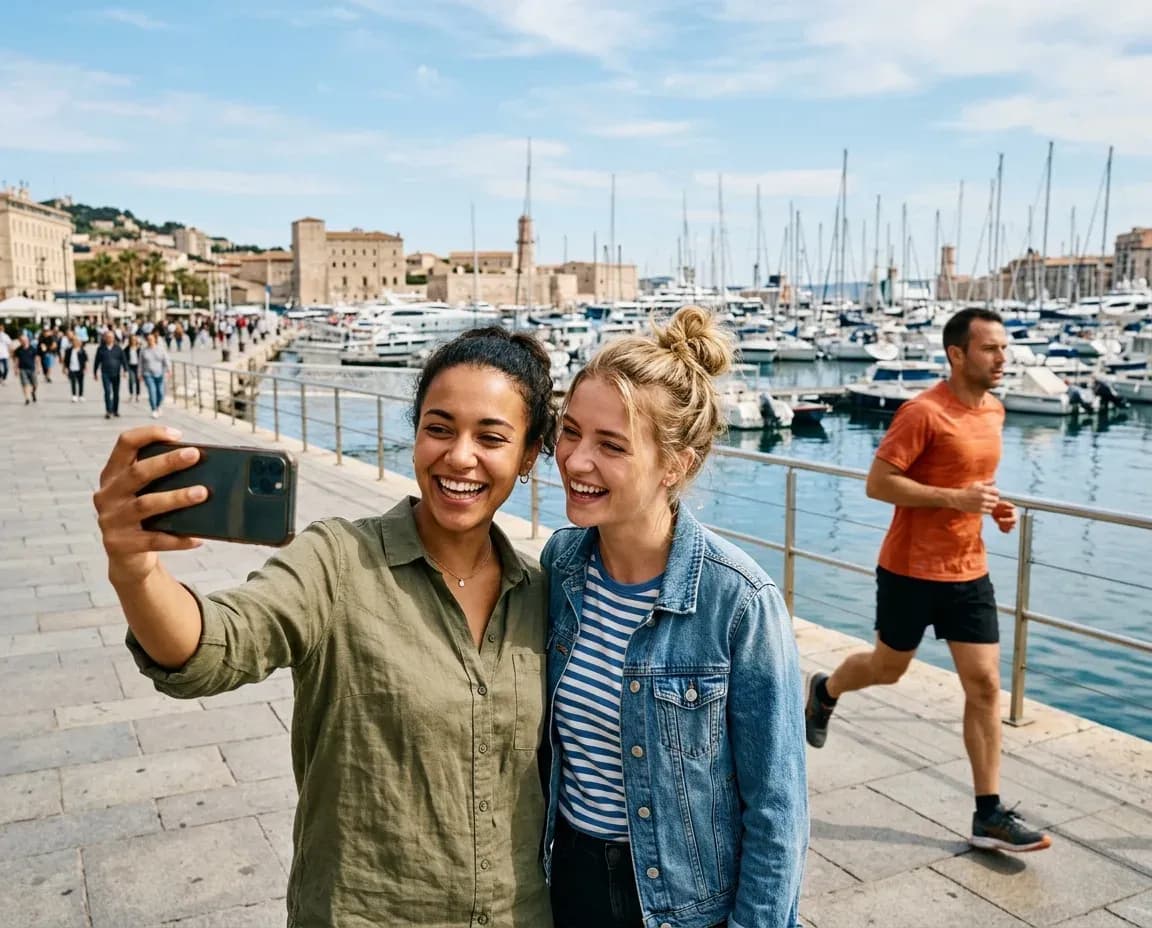
Open a photo and drag the slider to compare before and after. Each preview includes the instruction for who to remove.
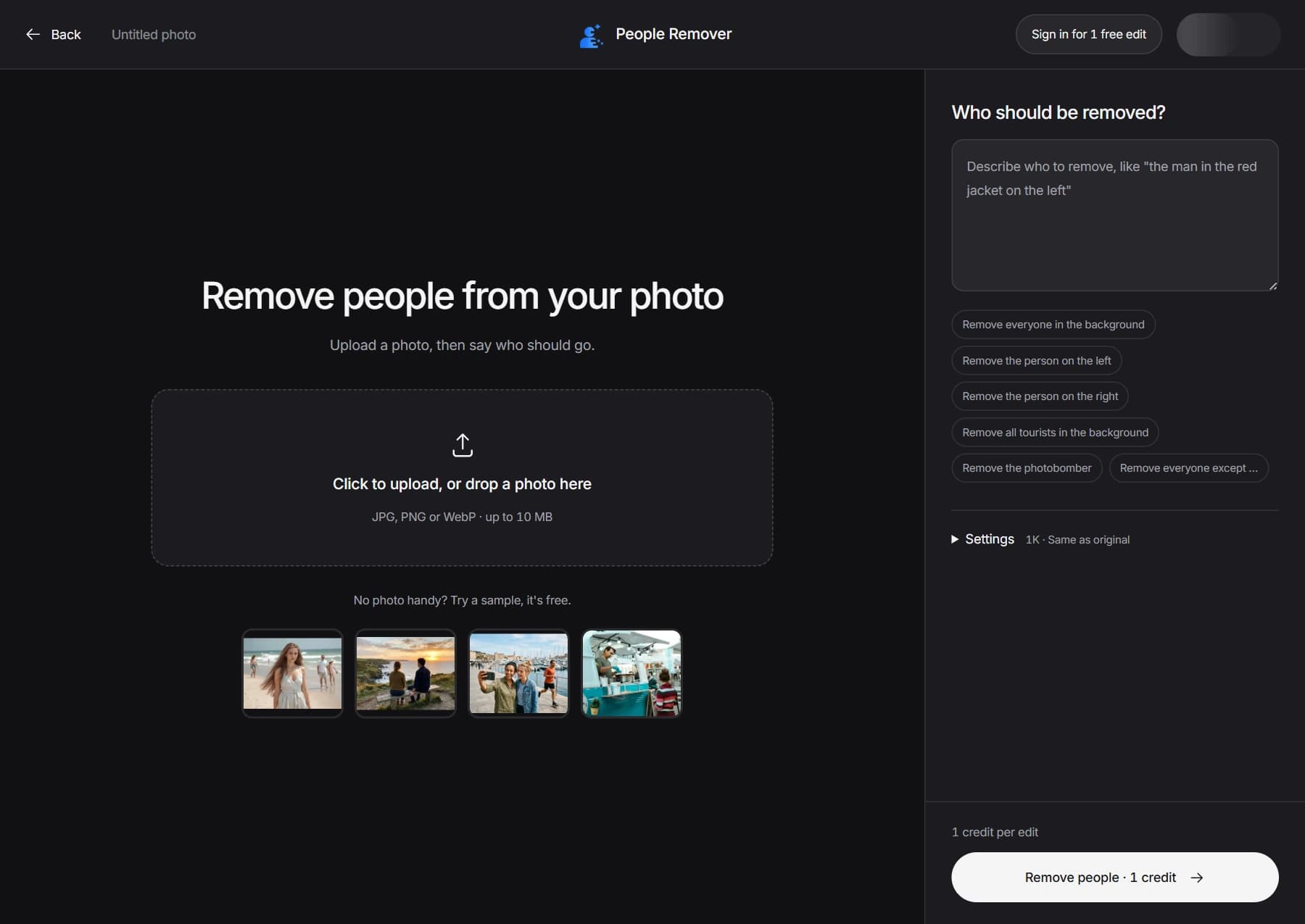
You describe who to remove in plain words. You don't draw a mask or select anyone.
Here is how to remove a person from a photo: upload it to People Remover, type who you want gone, and download the result. You describe the person in words instead of painting over them.
Choose a JPG, PNG or WebP photo up to 10 MB from your phone or computer. Download your result when it is ready so you have your own copy.
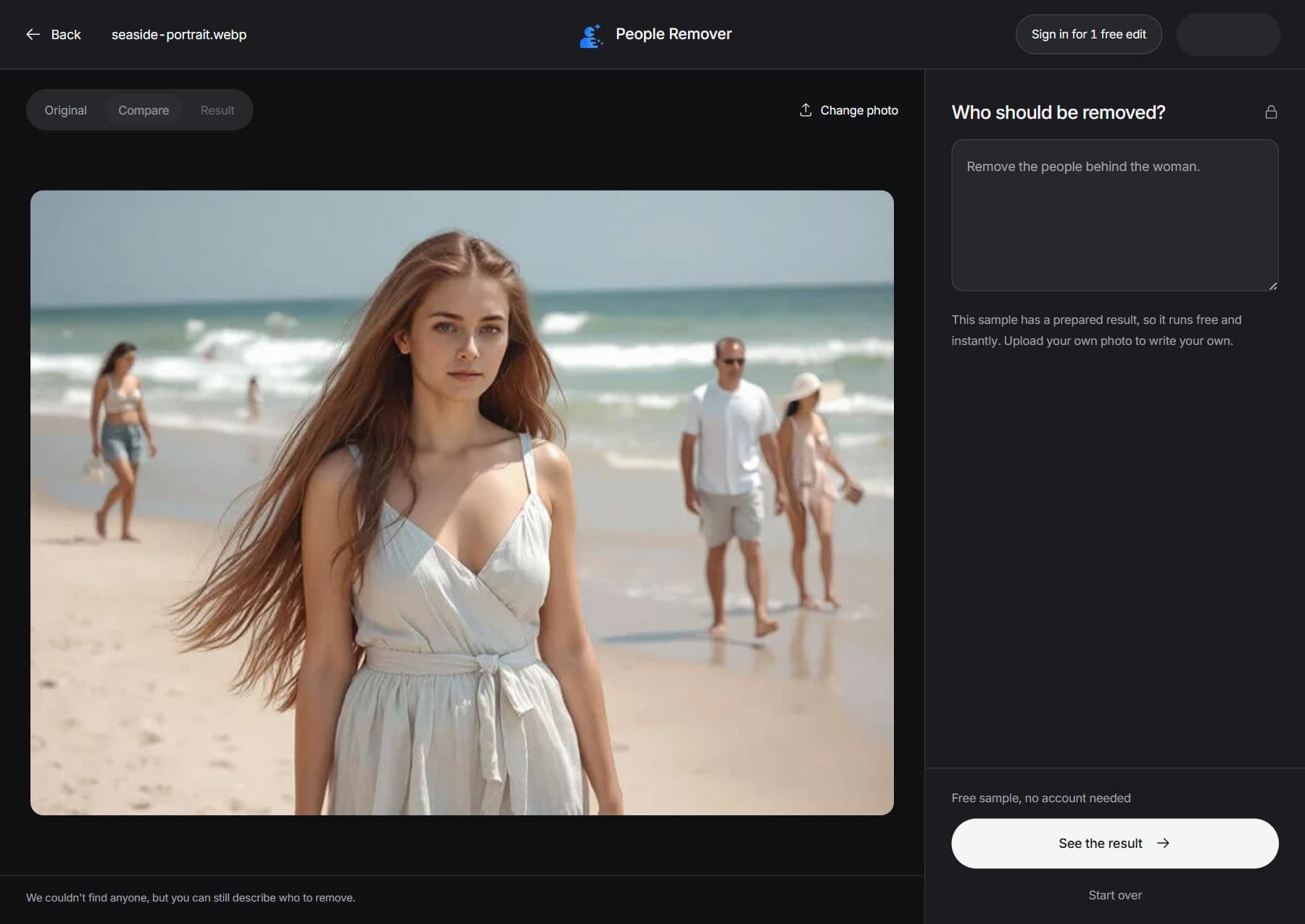
Type a short sentence, such as "remove the man on the left" or "remove everyone in the background". Say where the person is or what they are wearing.
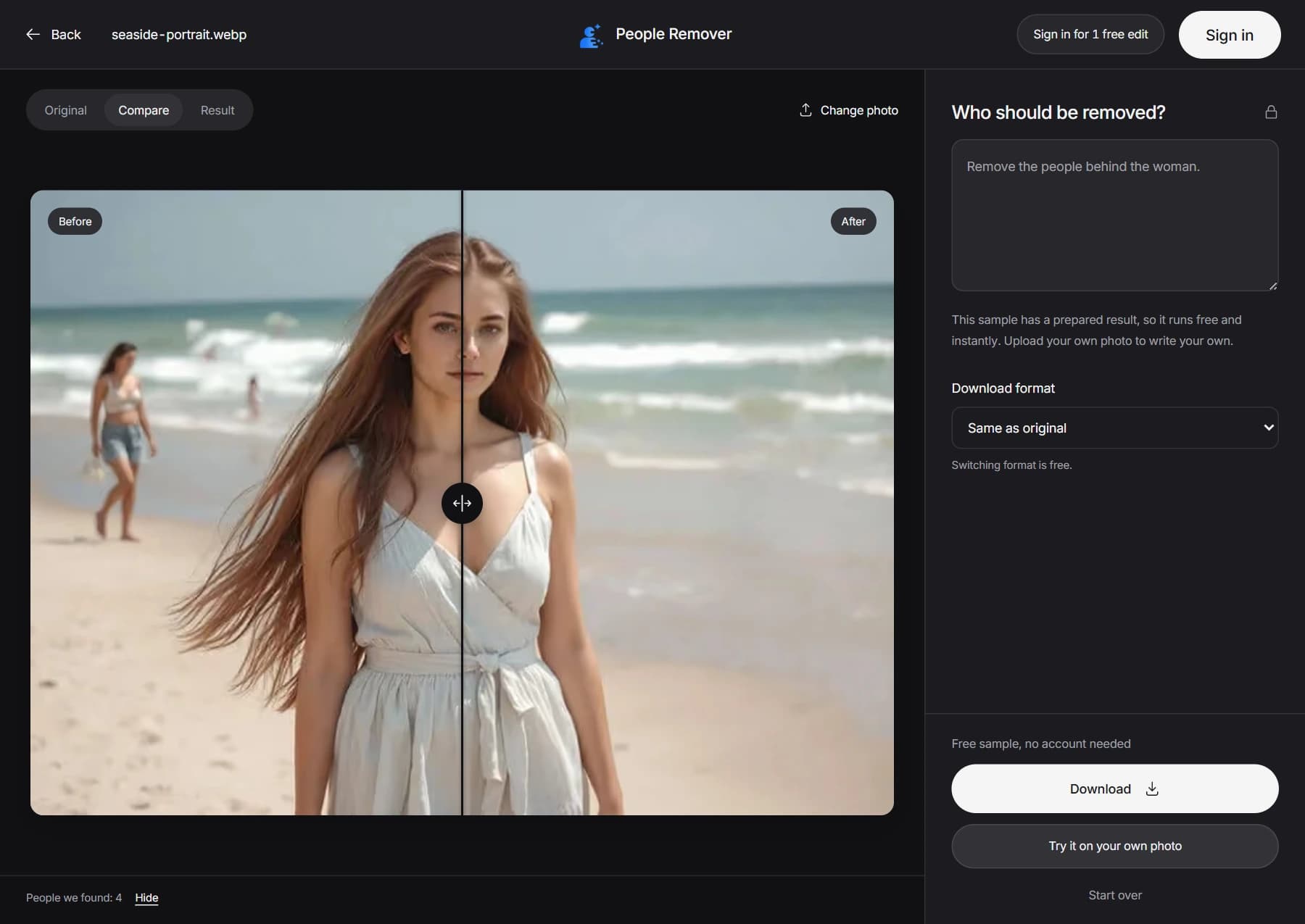
Pick JPG, PNG or WebP and download. Paid plans can also choose 2K or 4K. There is no watermark on any plan.
A clear sentence gives a cleaner result when you remove people from photos with AI. Point to where the person is, what they wear or what they are doing.
Think of it as a short AI prompt: say who, and where. Not sure it understood? Add one more detail, such as the color of their clothes, and run it again.
Most people use it to remove unwanted people from photos they can't retake.
Landmarks are rarely empty. Describe the crowd behind you and keep the monument and your group in the shot.
Someone walked through your picture at the wrong moment. Name where they are and remove them.
Keep a good photo of a good day. Remove someone from a photo and everyone else stays in the shot.
Listing photos work better without neighbors or passersby in the frame. Remove them before you publish.
Remove a person from a group photo, like a guest or a staff member who walked into a candid, and keep the couple.
Clear out strangers on a beach, a trail or a playground so the picture shows only your family.
The tool works best with clear descriptions. Here is what helps, and where it can go wrong.
"The man in the red jacket on the left" works better than "the man". If several people look alike, say which one.
You can list several people in one description, and it still counts as one edit.
If the person you remove stands in front of, or touches, your subject, the result can look less clean. Try again with a clearer description.
The AI generates the finished photo, so small details outside the removed person can shift slightly. Check the result before you print or share it.
If the wrong person is removed, edit your sentence and run it again. A failed edit gives your credits back.
Looking for apps to remove people from photos? Each method suits a different job, so pick the one that matches yours.
| Method | Good for | Trade-off |
|---|---|---|
| Eraser tools in phone photo apps | Quick fixes on a phone | Controls differ by app, so check how it handles several people |
| Desktop photo editors | Full control over every pixel | Takes skill and time to learn |
| Brush-based online erasers | Painting an exact area | You must mask each person by hand |
| Describe-and-remove (People Remover) | Naming people in a sentence | Less exact than painting an area when you need a precise outline |
Where People Remover is weaker. If you need to remove a very specific shape or a small part of a person, a brush gives you more control. If you want to remove whole people fast, describing them is usually quicker.
Sign in and try your first edit free. Then choose a one-time credit pack or a monthly credit plan.
One 1K edit when you sign in. No watermark.
Just a few photos? No subscription.
$3.99
One-time purchase
For a few photos each month
$9.9
Per month
For regular use
$19.9
Per month
For frequent use
$49.9
Per month
In every paid plan: Choose 1K, 2K or 4K, which cost 1, 2 or 3 credits per edit. Download as JPG, PNG or WebP with no watermark. If an edit fails, your credits come back. Monthly plans renew automatically until you cancel. Cancel a monthly plan any time and keep the credits you already have.
One edit, any number of people. "Remove everyone in the background except the bride" is one edit, however many people you remove.
Short answers to the questions people ask most.
Yes. You can remove a person from a photo for free: your first edit costs nothing when you sign in. After that you can buy a 5-credit pack for $3.99 or choose a monthly plan. The free edit has no watermark.
Open People Remover in your phone's browser, upload the photo, and type who to remove. You don't need to install an app. Download the result to your phone when it is ready.
No. You describe the person in a sentence, such as "remove the woman in the red jacket". The AI finds them and removes them.
Yes. Name them in one description, like "remove everyone in the background". It counts as one edit and costs the same credits as removing one person.
No. Results have no watermark on any plan, including the free edit.
Your photo, description and result are processed by our service and third-party AI providers. We do not currently offer automatic deletion after one hour. Download your result when it is ready, and see our Privacy Policy for storage and deletion information.
If an edit fails, your credits come back. You can try again with the same photo or a clearer description.
They are output sizes. Your free edit is 1K, and paid credits work at any size. A larger size is better for printing and costs more credits: 1K costs 1, 2K costs 2 and 4K costs 3.
The AI re-draws the full image, so small details away from the removed person can shift slightly. Check the result before you print or share it.
Upload a photo, type who to remove, and your first edit is free.
Remove People FreeUpload a photo, type who to remove, and download a clean result. No brushing, no watermark.
Step 1